

Overview
The Campaigns tab lets you create and manage tracking campaigns. Each campaign generates a unique tracking URL with UTM parameters that attributes visitor sessions to specific marketing efforts. Beyond attribution, campaigns can swap phone numbers for call tracking and inject custom context into your AI agent’s behavior.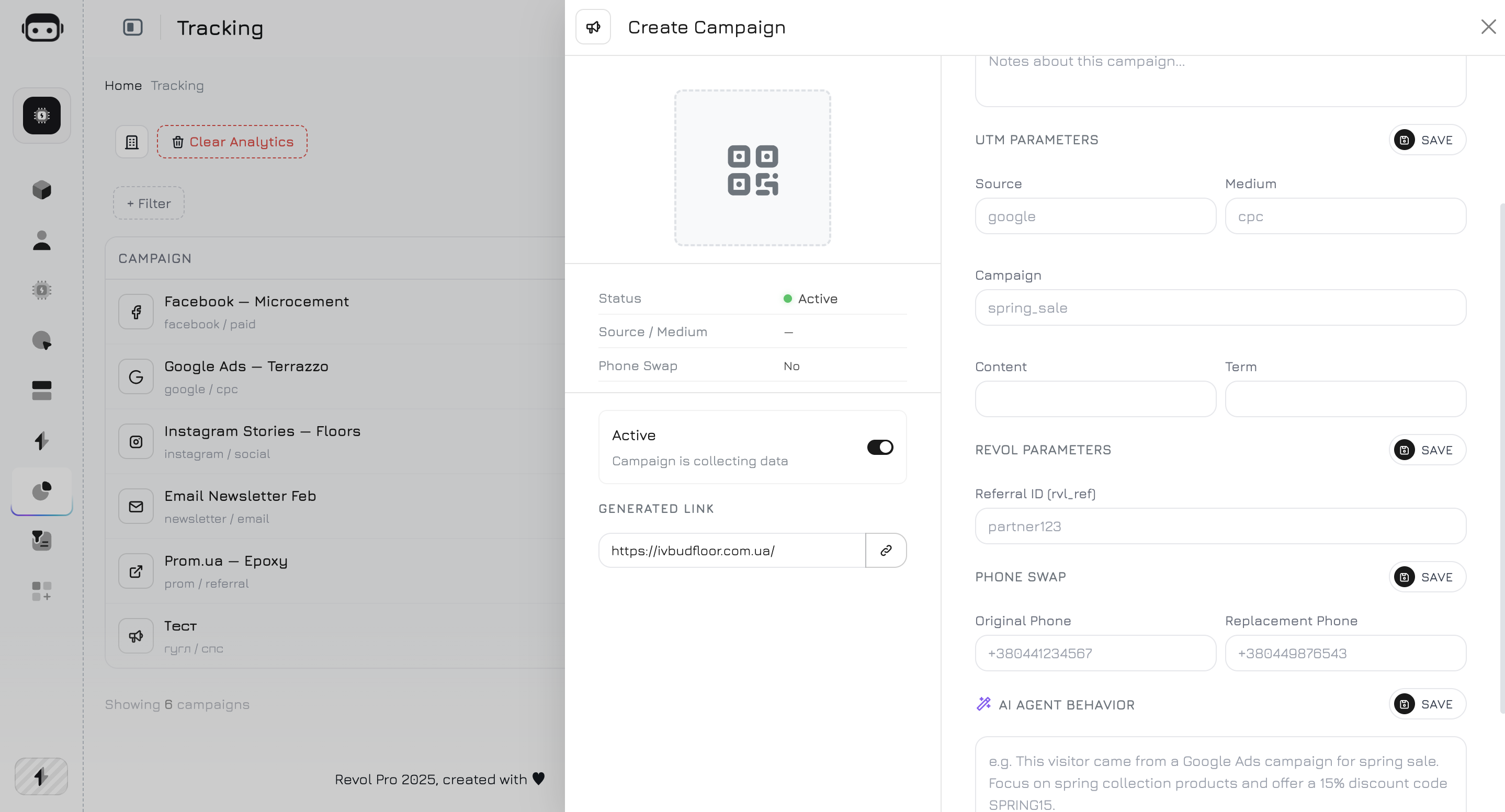
Campaign List
The campaigns table shows all your campaigns with key metrics:
Click any row to open the campaign details panel.
Creating a Campaign
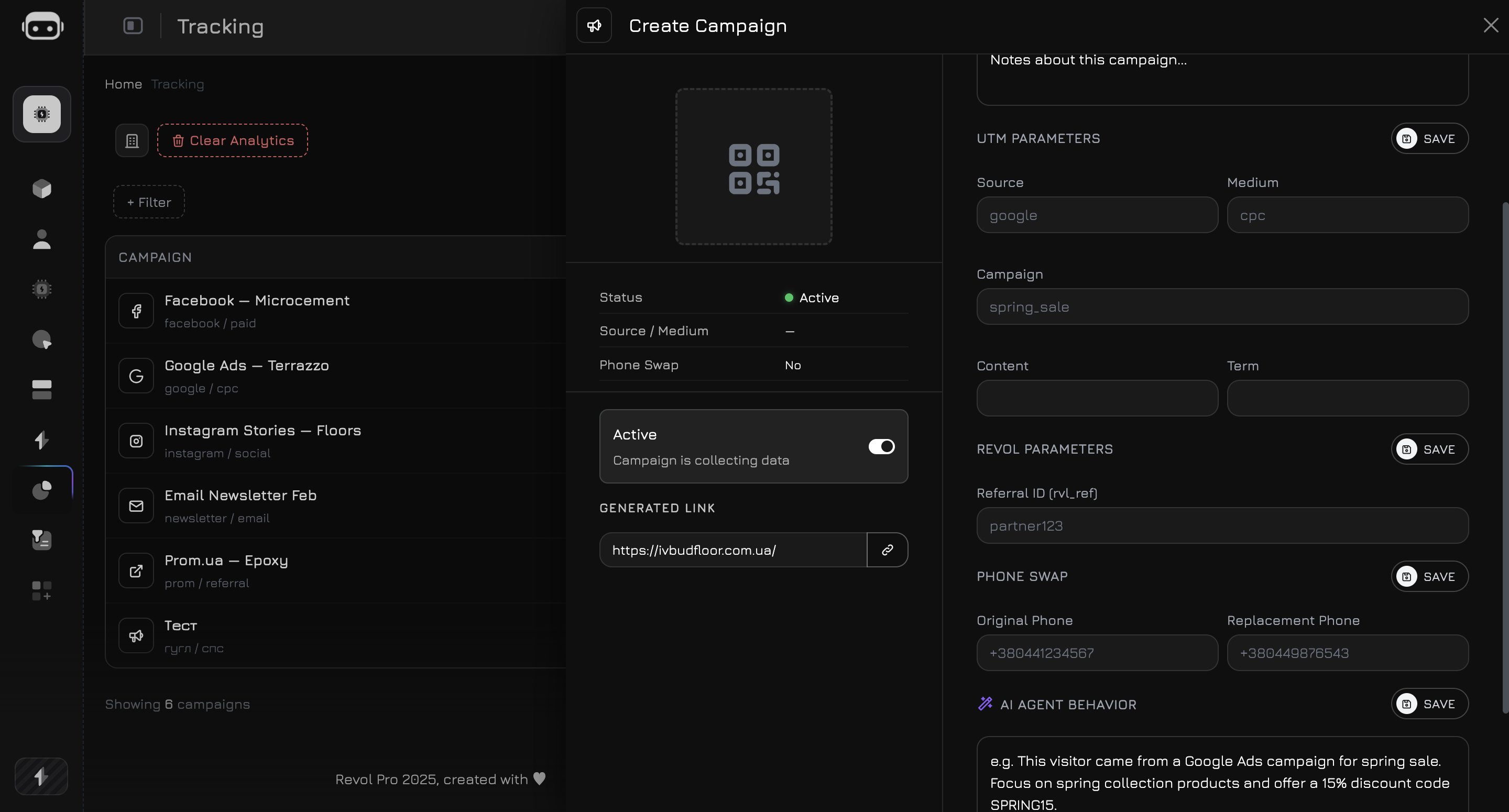
Click Create Campaign to open the campaign panel. The panel has two sides: a preview area on the left and a settings form on the right.Campaign Info
UTM Parameters
Standard UTM parameters that will be appended to the generated tracking URL:Revol Parameters
If the URL contains a
rvl_cmp parameter (direct campaign ID), it takes priority over UTM matching.
Matching priority:
rvl_cmp— direct campaign ID in URL (highest priority)- UTM combination — matches
utm_source+utm_medium+utm_campaign rvl_ref— referral ID fallback- Auto-create — if no campaign matches, a new one is created from the UTM values
Phone Swap
Phone swap lets you dynamically replace a phone number on your website with a campaign-specific tracking number. This way, when a visitor calls, you know exactly which campaign drove the call.
When a visitor from this campaign loads your website, the tracker script finds the original phone number in the page content and swaps it with the replacement number. The swap is automatic and invisible to the visitor.
Phone swap requires the tracker script to be installed on your website. The original phone number must appear as text in the page HTML — numbers inside images or iframes are not replaced.
AI Agent Behavior
This is the most powerful campaign feature. The AI Agent Behavior field lets you inject campaign-specific context into your AI agent’s system prompt, changing how the agent communicates with visitors from this campaign.How It Works
1
Visitor arrives
A visitor clicks your campaign URL and lands on your website. The tracker identifies the campaign from UTM parameters.
2
Campaign is attached
The
campaign_id is stored in the visitor’s session and sent with every chat message to the AI agent.3
Prompt is injected
When the agent processes a message, the campaign’s AI prompt is appended to the system prompt as a
[Campaign Context] block. The agent sees this context alongside its regular instructions.4
Agent adapts
The agent adjusts its responses based on the campaign context — different tone, offers, or focus depending on where the visitor came from.
What to Write
The AI Agent Behavior field is a free-text prompt. Write instructions as if you’re briefing the agent about this specific audience. Examples:Google Ads — Brand Campaign
Google Ads — Brand Campaign
Facebook — Cold Audience
Facebook — Cold Audience
Partner Referral
Partner Referral
Generated Link & QR Code
The left side of the campaign panel shows a preview area with the campaign’s QR code, info summary, and generated tracking link.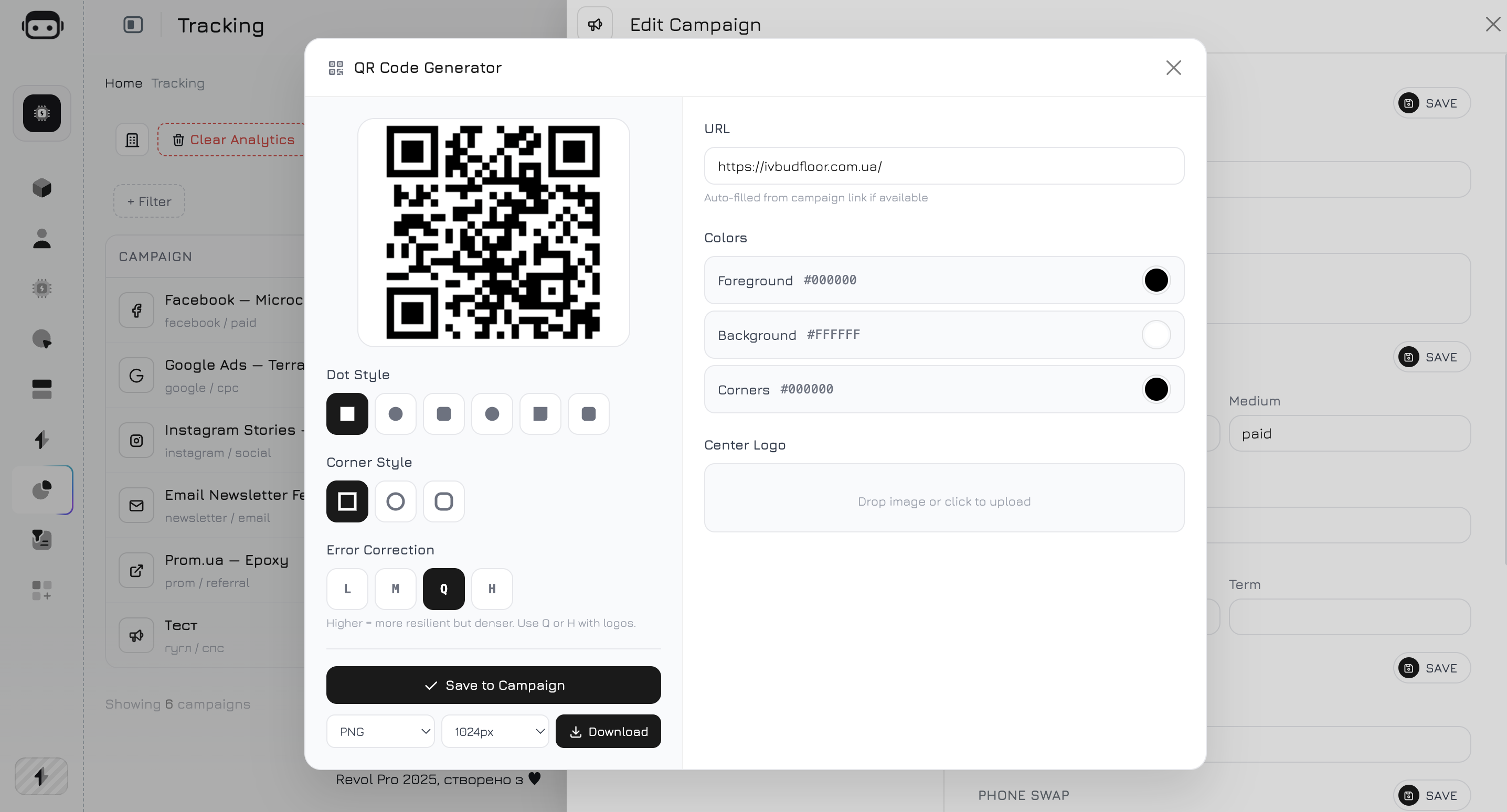
- QR Code — scannable code linking to the generated campaign URL
- Campaign Info — summary table with campaign ID, status, source/medium, phone swap status, and creation date
- Active Toggle — enable or disable the campaign without deleting it
- Generated Link — the full tracking URL built from your website domain + UTM parameters
Link Builder
Select your website URL from the dropdown, and the system generates the full tracking link:QR Code
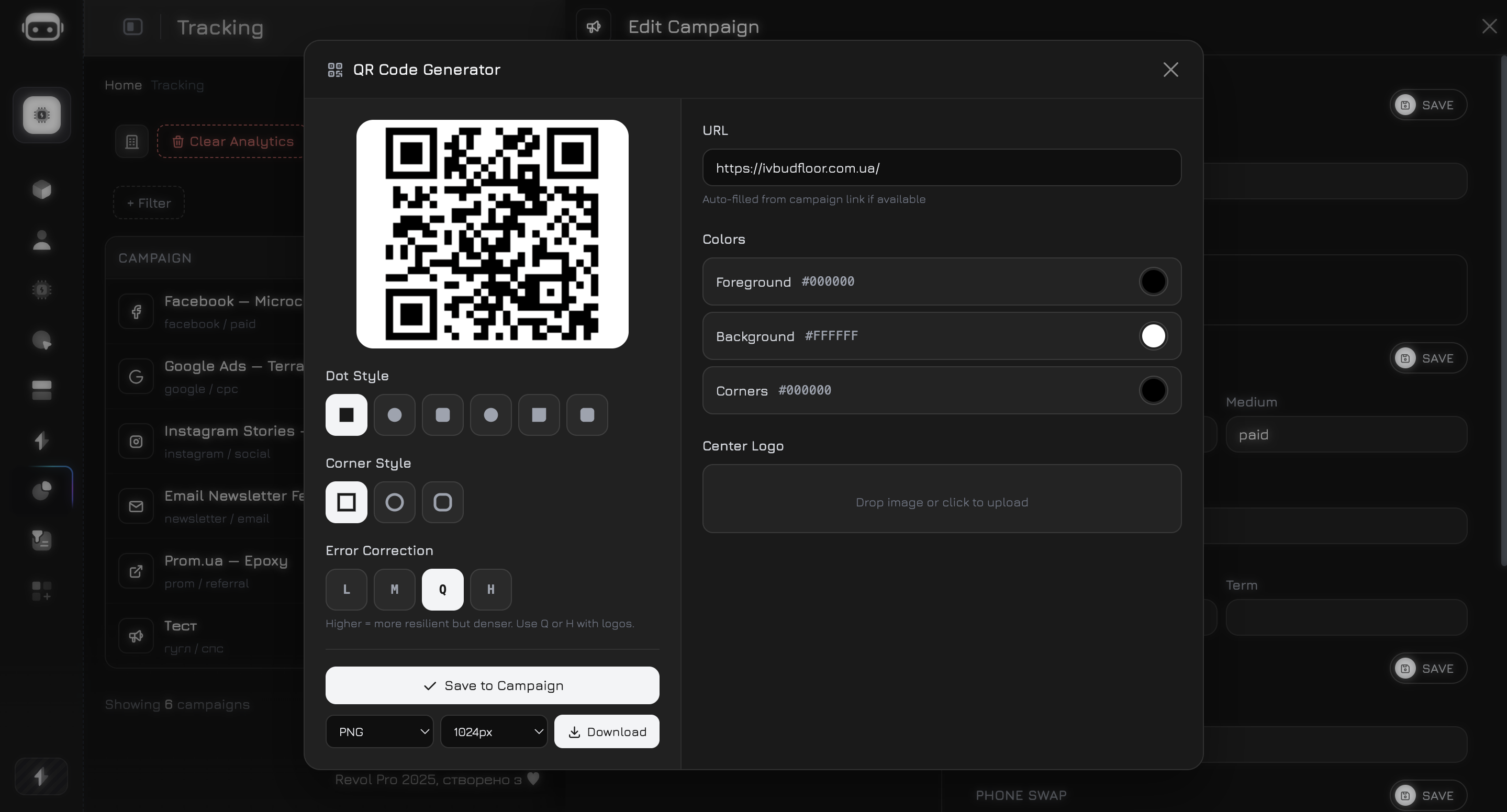
Every campaign automatically generates a QR code that encodes the full tracking URL with all UTM and Revol parameters. When someone scans the code, they land on your website and the session is immediately attributed to this campaign — just like clicking a link.Customization
You can customize the QR code appearance directly in the campaign panel:
Click Download to save the QR code as an image file ready for use in any material.
Use Cases
The QR code is a powerful offline-to-online bridge. Here are practical ways to use it:Print materials
Print materials
Add the QR code to brochures, flyers, business cards, catalogs, or packaging. Customers scan it and land on your website with full campaign attribution. You see exactly how many visitors came from each printed material.
Referral partners
Referral partners
Give each referral partner their own campaign with a unique QR code. Partners print it on their materials or share it digitally. You track how many leads each partner brings — with full session data, page flows, and conversation history.
Events and exhibitions
Events and exhibitions
Display the QR code on banners, posters, or screens at events. Attendees scan it to learn more about your product. Combined with AI Agent Behavior, your agent can greet them with event-specific messaging: “Welcome from [Event Name]! Here’s a special offer for attendees…”
Triggers and popups
Triggers and popups
Use the QR code inside website triggers — modal windows, slide-ins, or overlays that appear based on visitor behavior. For example, show a popup with a QR code that visitors can scan on their phone to continue the conversation later. Learn more in the Triggers section.
Product packaging
Product packaging
Print QR codes on product labels or packaging. Customers scan to access support, documentation, or warranty registration — all tracked as a campaign session with AI agent available for instant help.
Third-Party Ad Campaigns
When you run ads on platforms like Google Ads or Facebook Ads, those platforms automatically append UTM parameters to your landing page URLs. Revol works seamlessly with these — no conflicts, no extra setup.What Happens
When a visitor clicks a Google or Facebook ad with UTM parameters:- The visitor lands on your website with UTM tags in the URL (e.g.,
?utm_source=google&utm_medium=cpc&utm_campaign=brand) - Revol’s tracker reads the UTM parameters passively — it does not modify, remove, or redirect them
- If a matching campaign exists in Revol, the session is attributed to it. If not, Revol auto-creates a campaign from the UTM values
- Other tracking scripts (Google Analytics, Facebook Pixel, TikTok Pixel, etc.) continue to work normally — they read the same URL parameters independently
Why There Are No Conflicts
Revol uses two types of URL parameters:
Key points:
- Read-only approach — Revol’s tracker only reads URL parameters. It never modifies the URL, sets redirects, or strips parameters that other tools need.
- Unique prefix — Revol’s own parameters (
rvl_cmp,rvl_ref) use thervl_namespace, which doesn’t overlap with any known tracking platform. - Isolated storage — Revol stores campaign data in its own database. It doesn’t interfere with cookies,
dataLayer, or local storage used by Google Analytics, Facebook Pixel, or other tools. - No tag conflicts — The
tracker.jsscript operates independently. It doesn’t modify the DOM in ways that break other tracking tags or interfere with tag managers (GTM, etc.).