

What is Revol?
Revol is a platform for building a managed sales department. Your managers and AI work in a single system — following the same sales scripts, using the same knowledge base, and communicating with customers through the same channels. Revol is not a chatbot. It’s a sales process management system with AI as a force multiplier. Three operating modes let you choose the right balance:- Passive — your managers handle conversations, AI provides real-time hints: what to say next, which product to suggest, where the script is being deviated from.
- Active — AI leads the conversation autonomously: follows the sales script, qualifies leads, answers product questions, books meetings. Your team reviews results, not chats.
- Hybrid — managers work during business hours, AI picks up nights and weekends. Or AI handles advertising traffic while managers focus on VIP clients. You decide what goes where.
Sales Scripts
Build conversation scenarios visually — greeting, qualification, offer, close
Knowledge Base
Prices, FAQ, policies — one source of truth for your team and AI
Channels
Website widget, phone, Telegram, WhatsApp — all in one inbox
AI Agents
4 LLM providers, 67 tools, voice — the right AI for each task
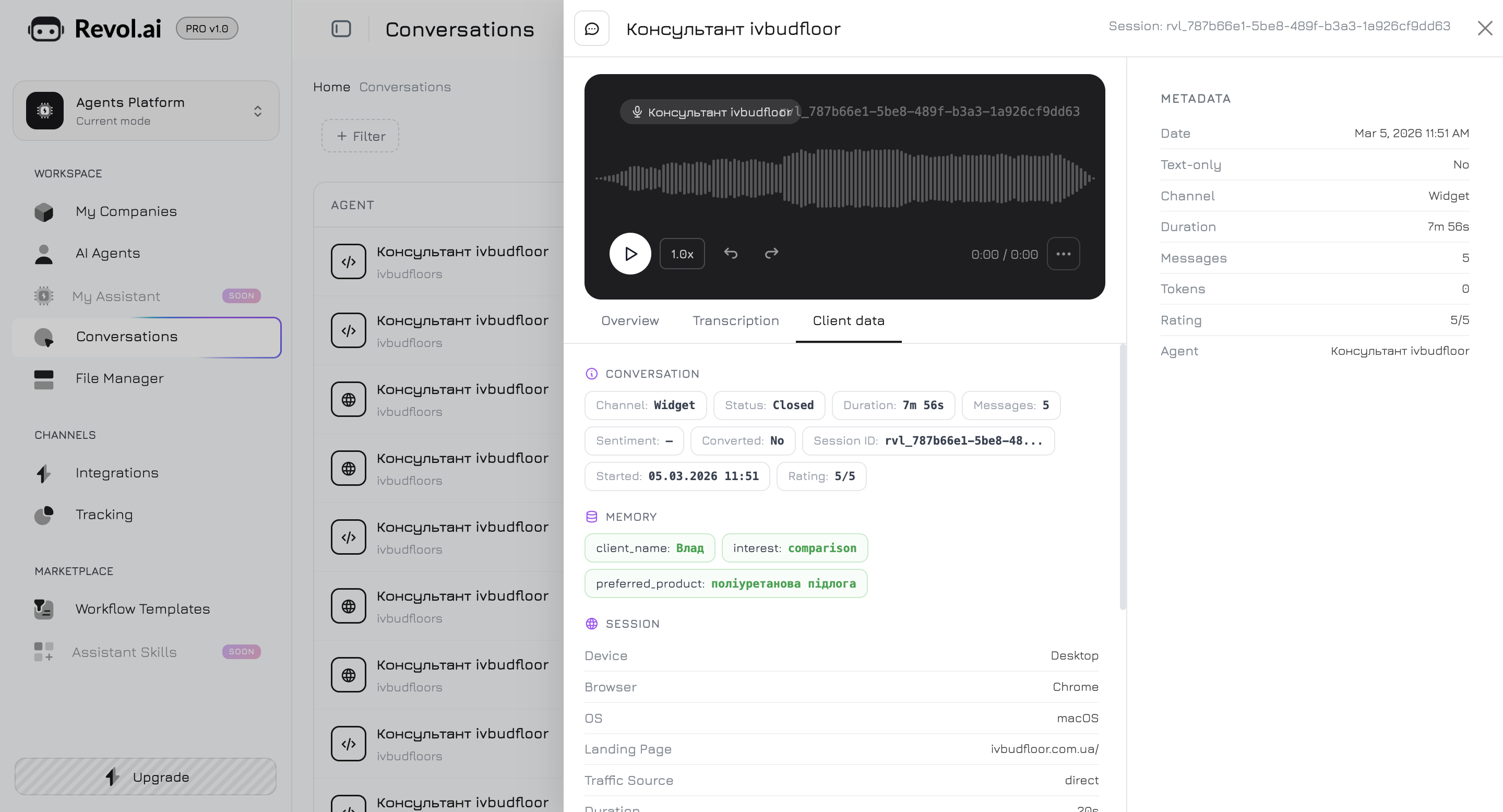
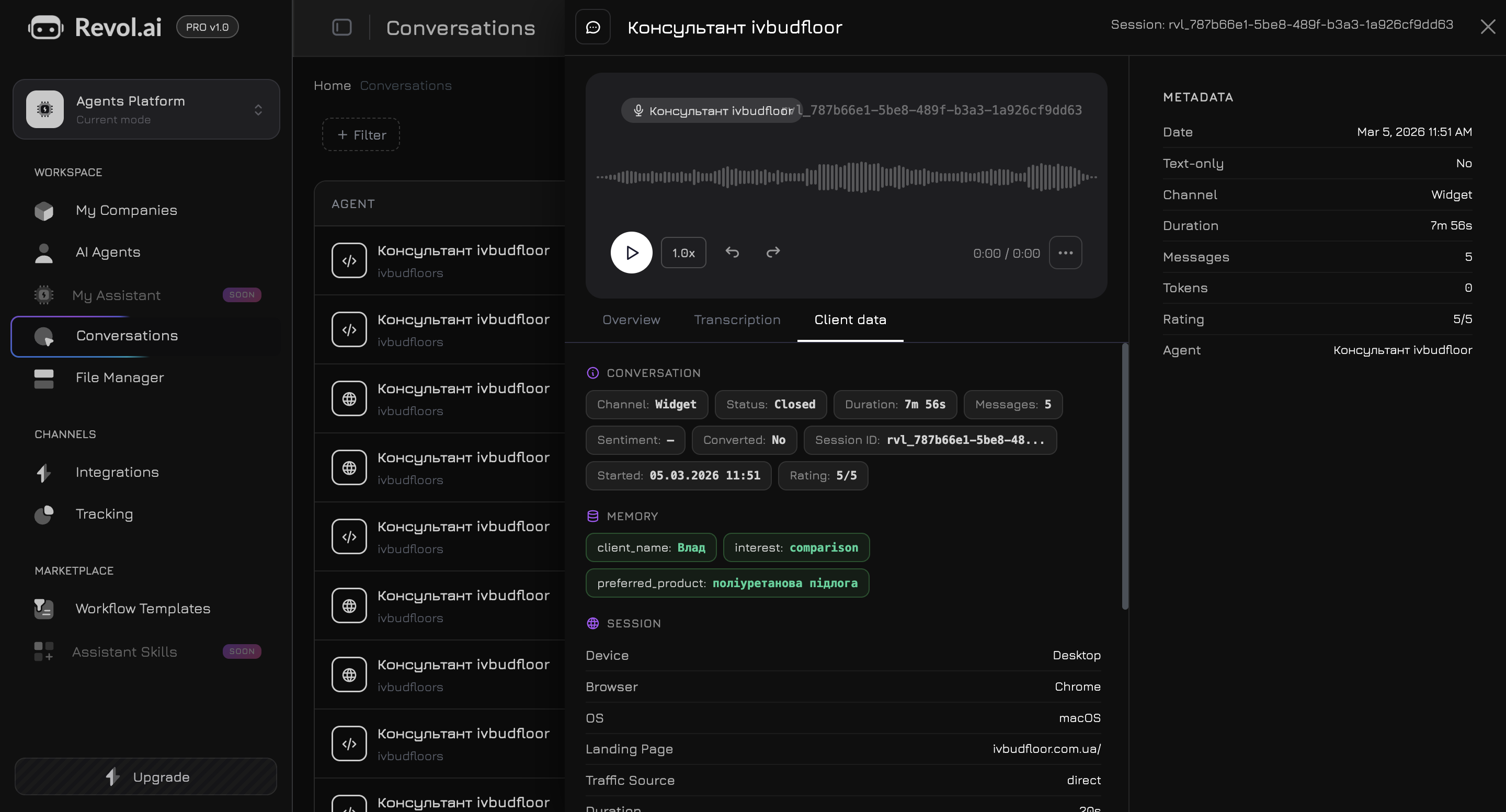
Conversations
Every conversation audited — script compliance, KPI, deviations
Analytics
Conversions by manager, channel, and campaign on a single dashboard
How It Works
1
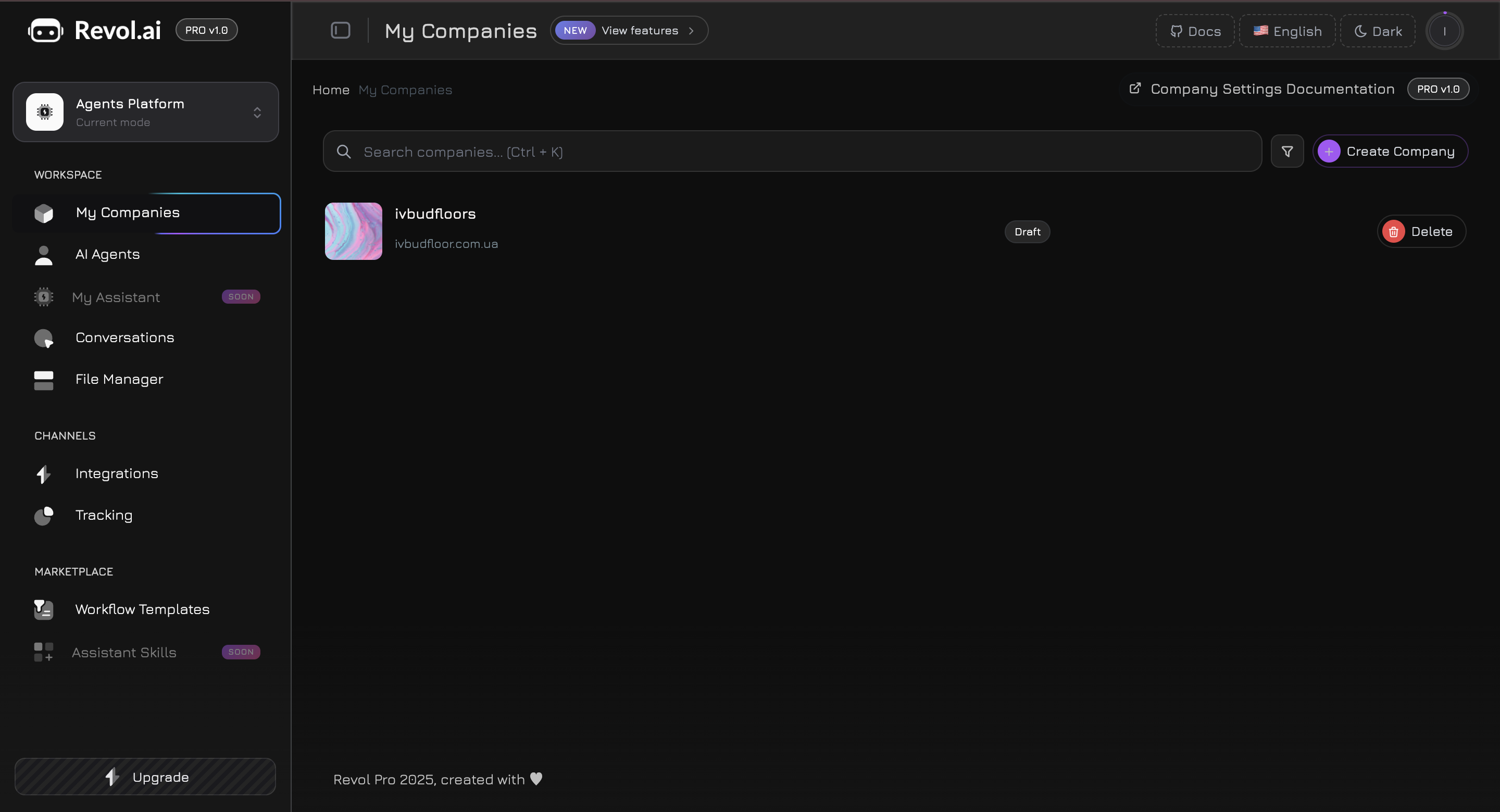
Create a Company
Register and set up your company — add your business name, website, phone number, and logo. The company is the foundation: all products, files, agents, and integrations belong to it.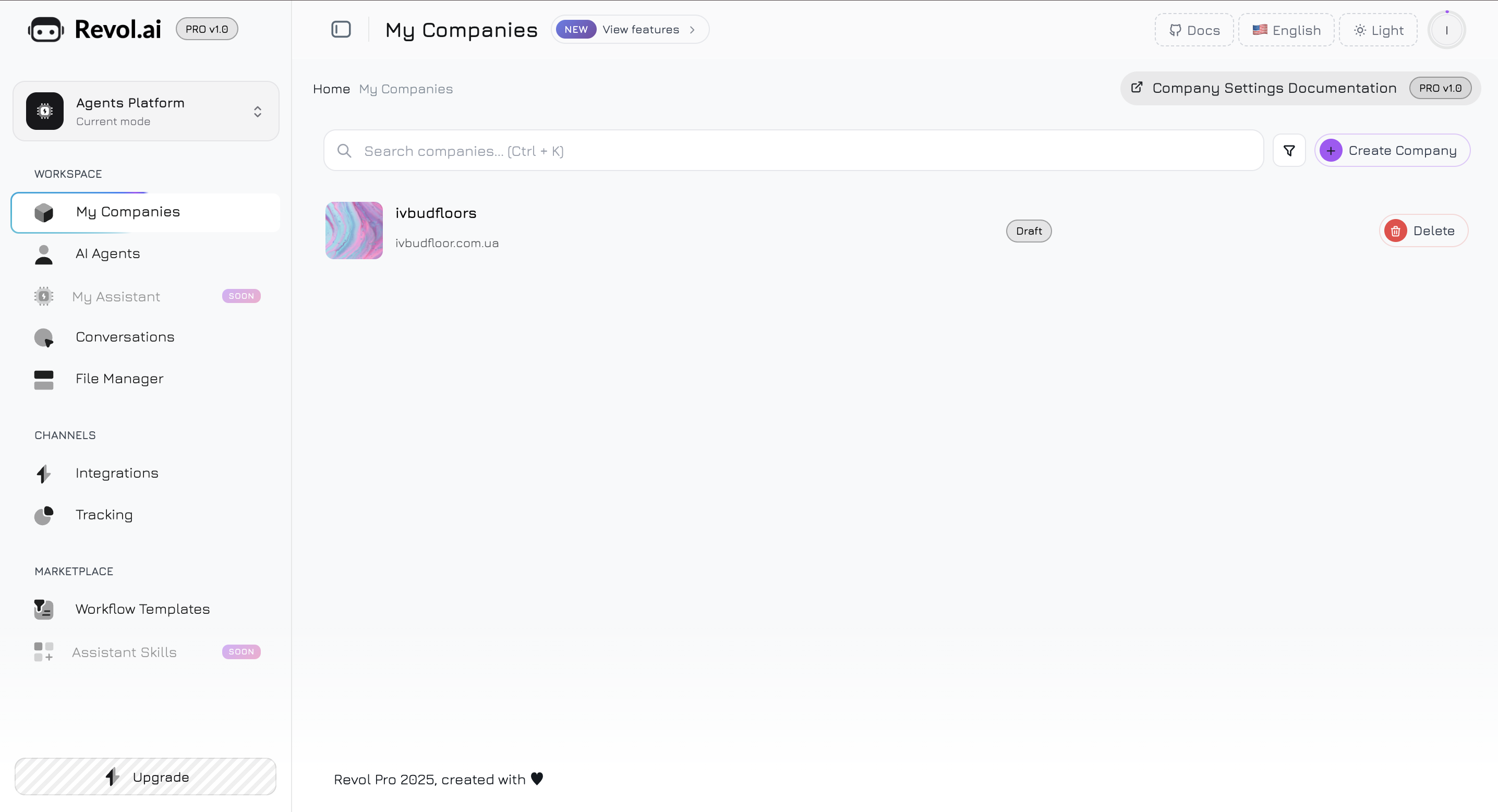
2
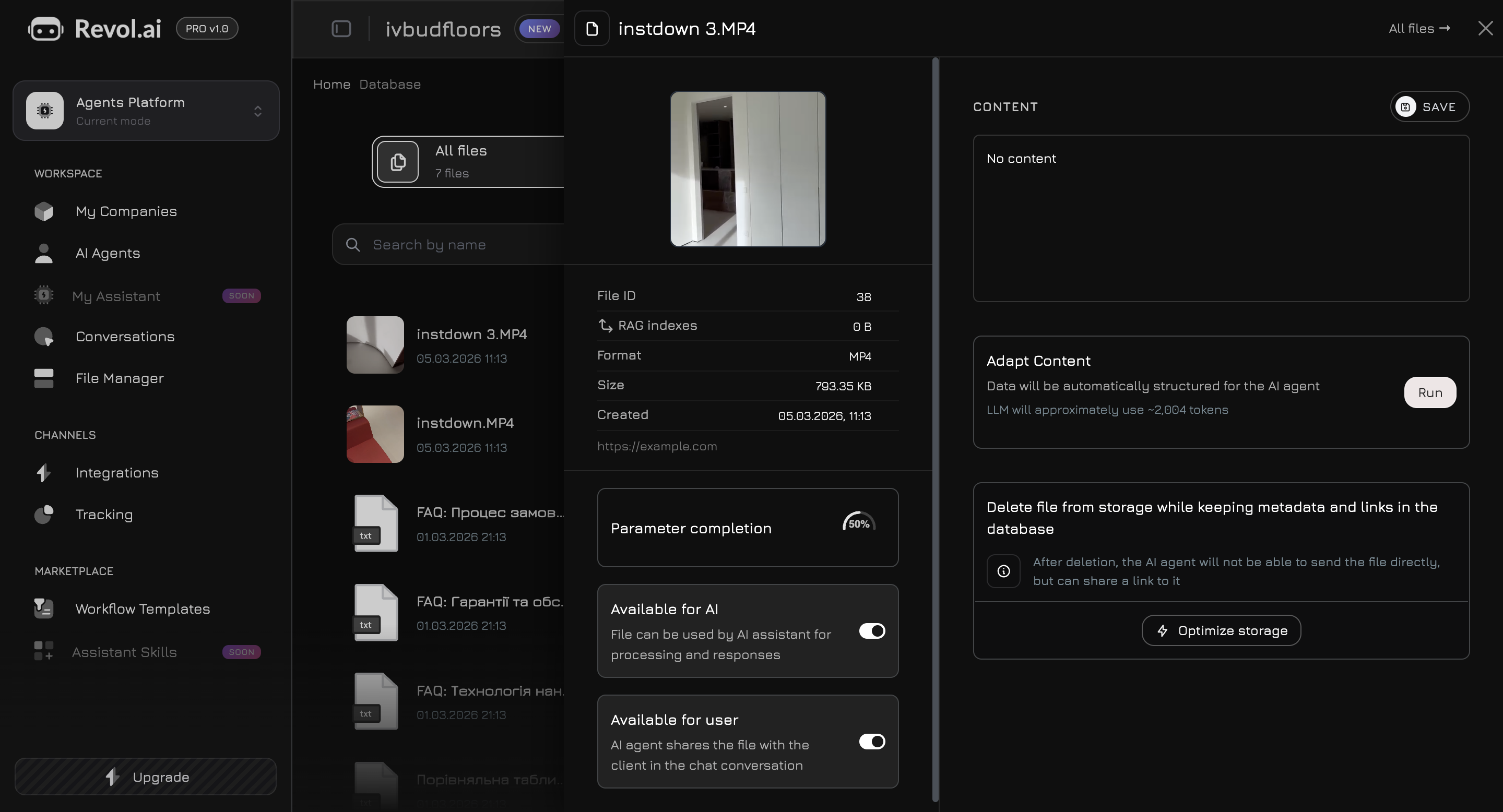
Build Your Knowledge Base
Fill it with everything your team and AI need to sell: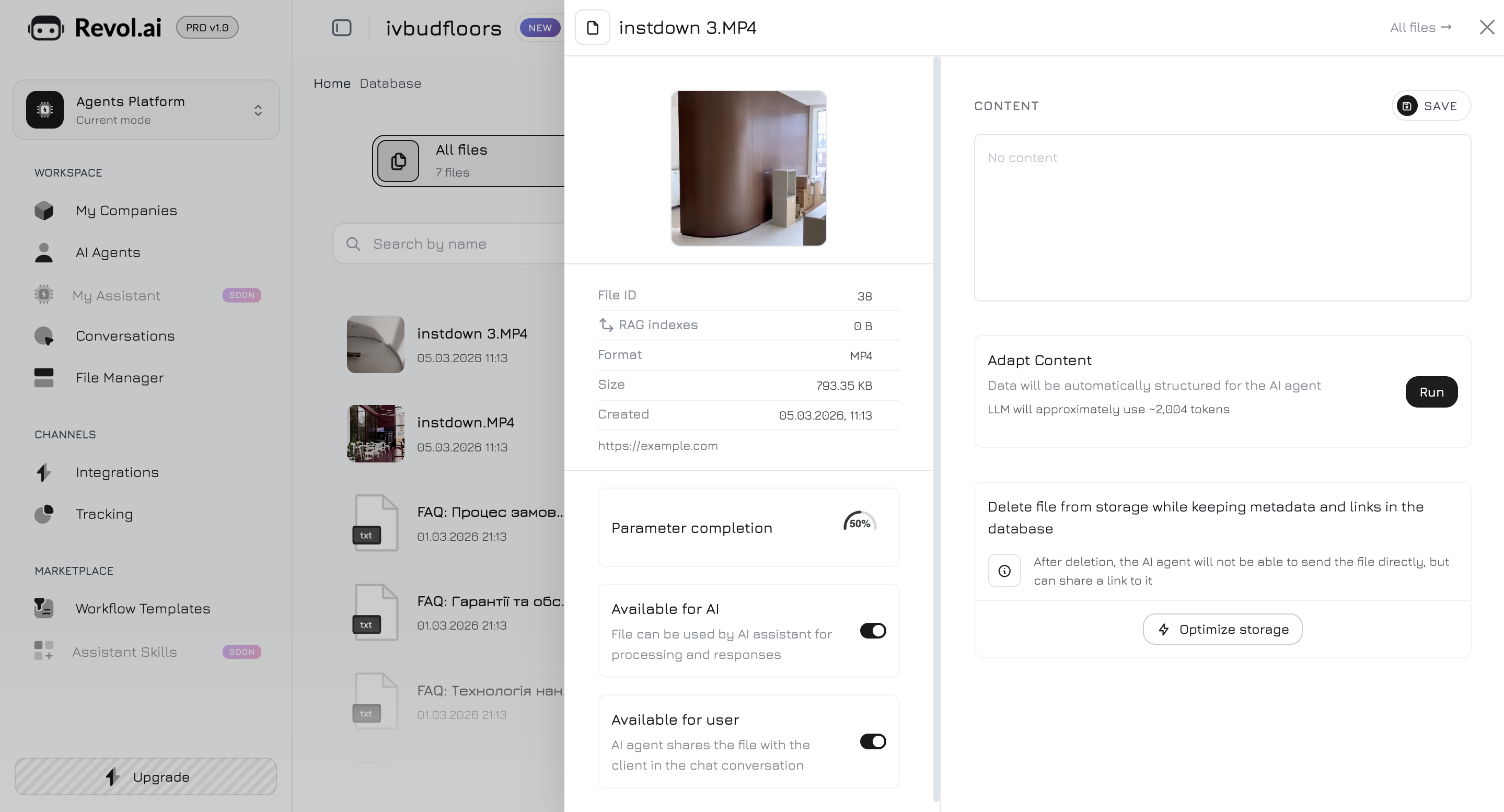
- Products & services — name, description, photos, pricing, availability
- Documents — PDFs, Word files, spreadsheets, price lists
- Links — website pages and external resources (content fetched automatically)
- Text snippets — FAQ, objection handling scripts, policies
- Media — videos (transcribed to text) and photos (OCR extracted)
3
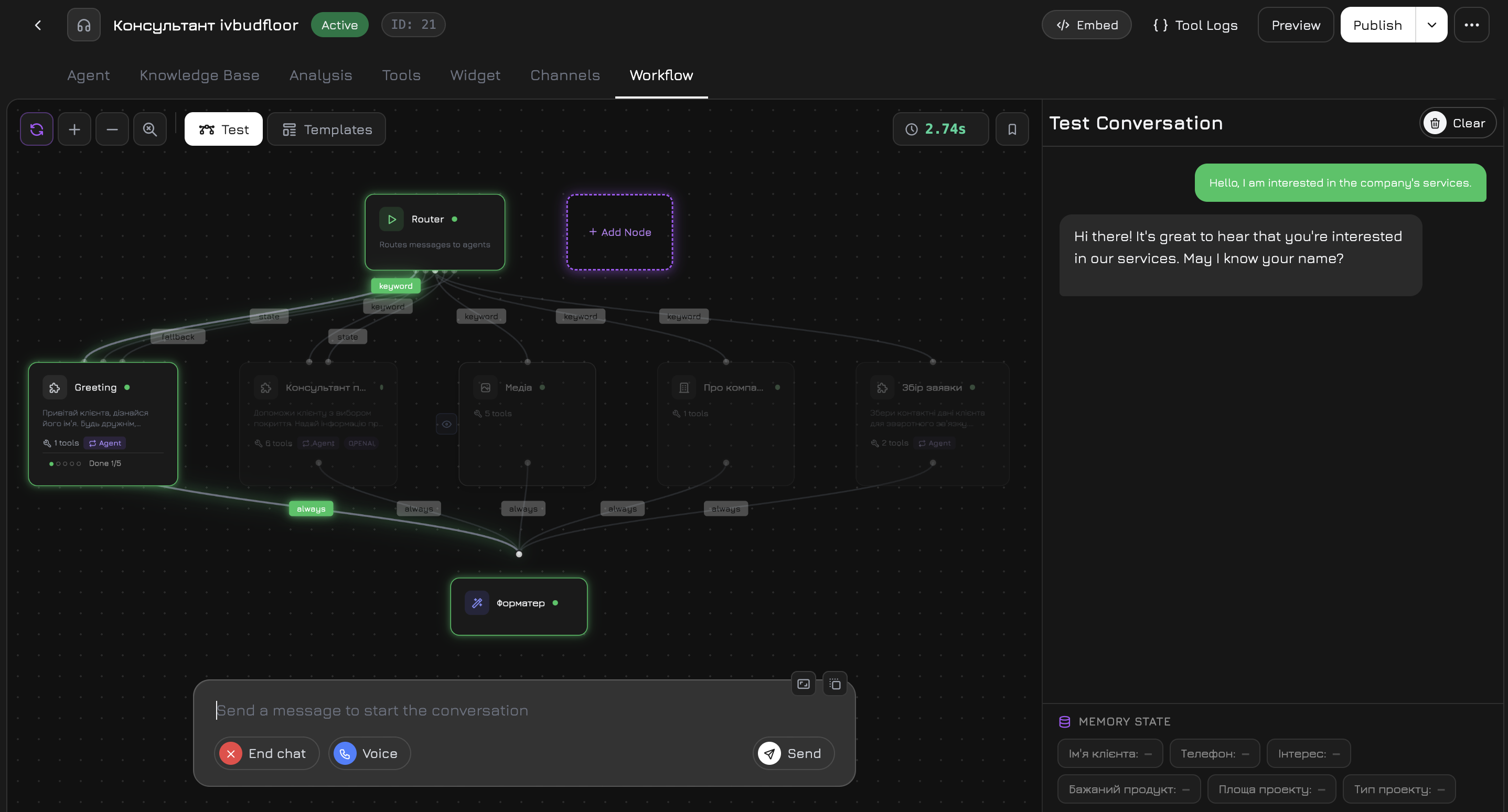
Set Up a Sales Script
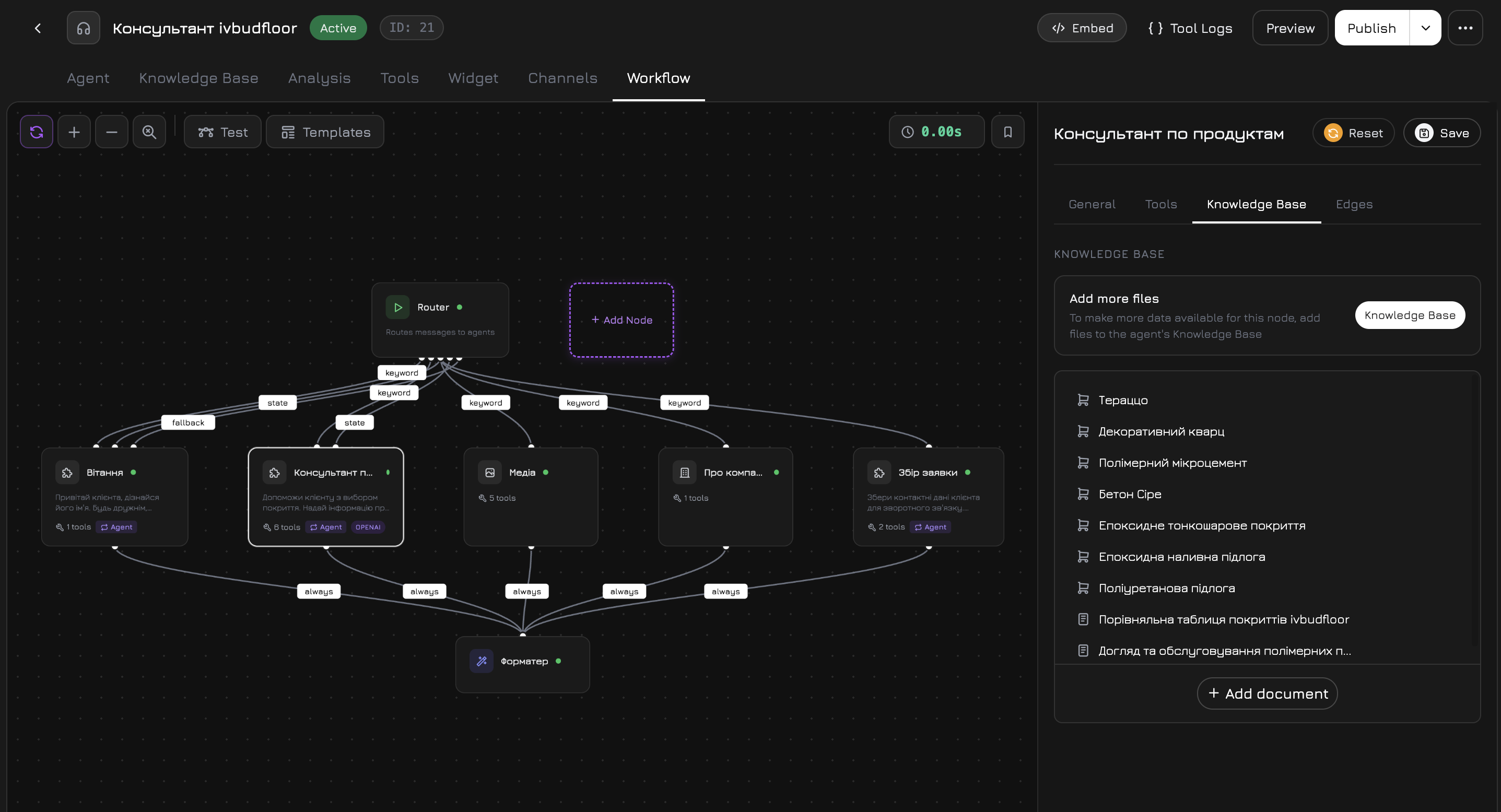
Use the visual workflow editor to build your conversation scenario: greeting → qualification → offer → close. Every step can include conditions, tool calls, and branching logic.Build the script once — both your managers and AI follow it automatically. New team members get a ready playbook from day one.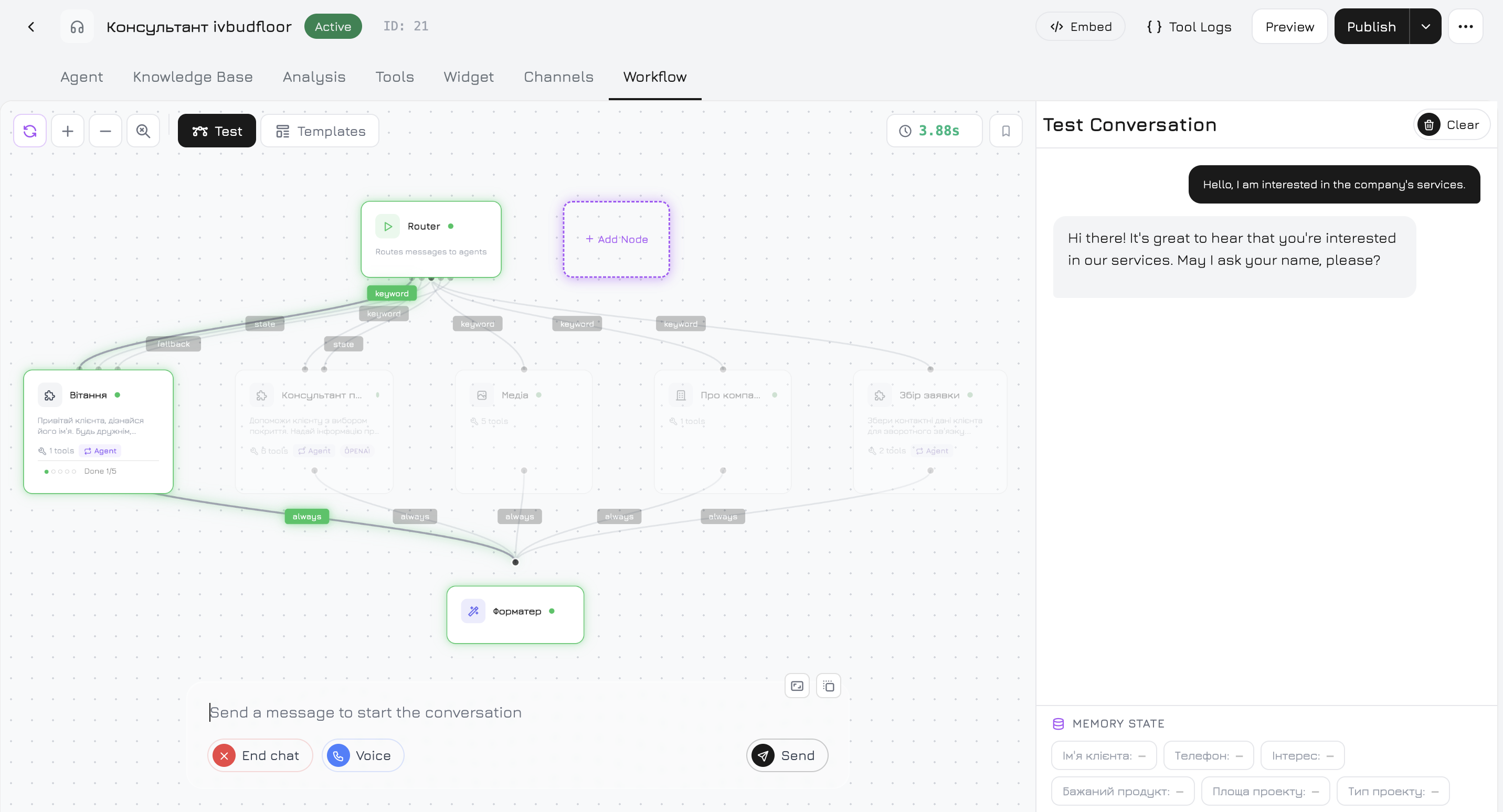
4
Create & Train an AI Agent
Create an agent, choose an LLM provider (OpenAI, Anthropic, Gemini, or Groq), and select which knowledge sources it should learn from — specific products, documents, links, or text.Hit Train and Revol generates vector embeddings so your agent answers questions based on your actual data — not generic responses.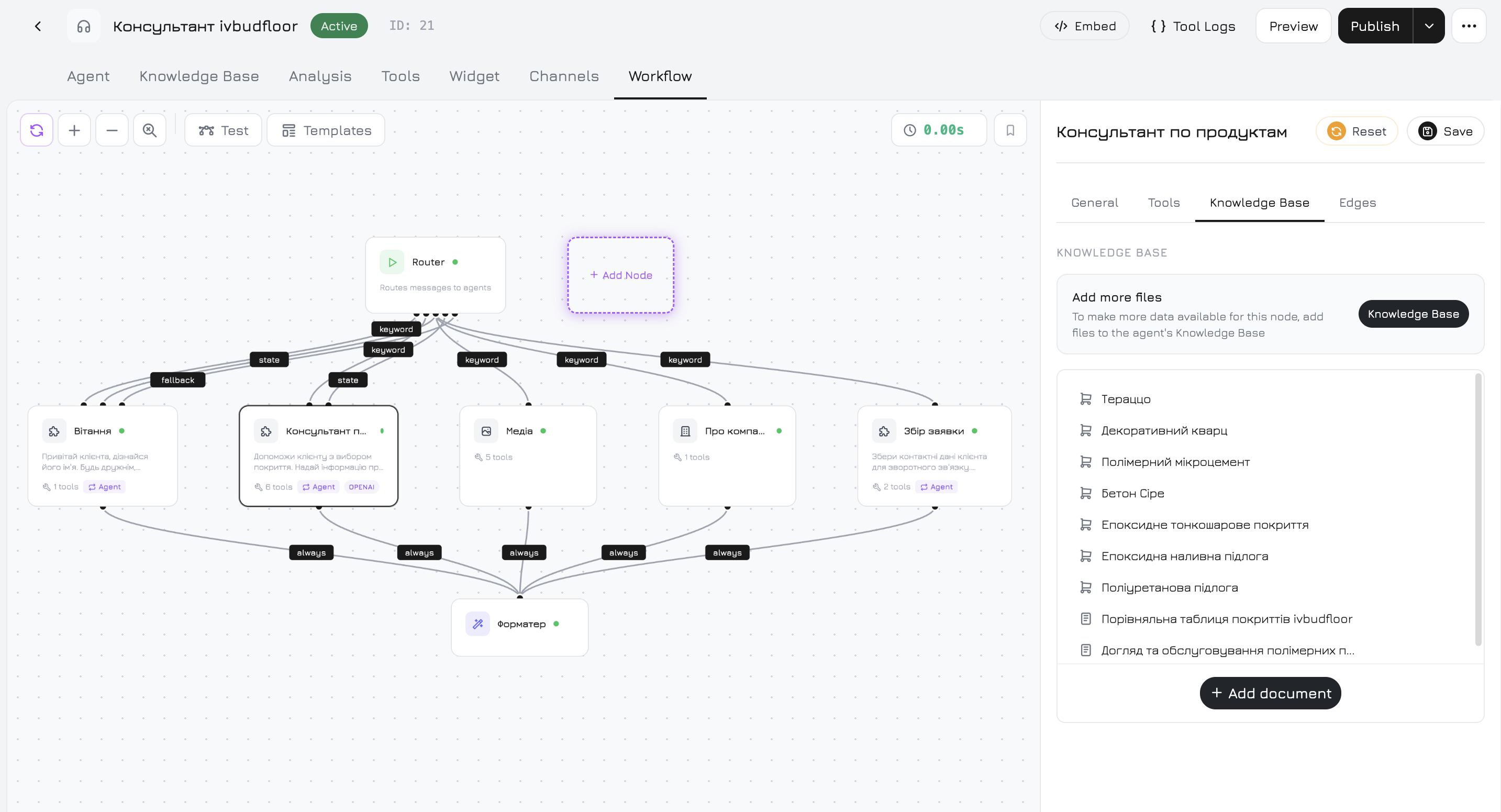
5
Connect Communication Channels
Bring all customer touchpoints into one inbox:
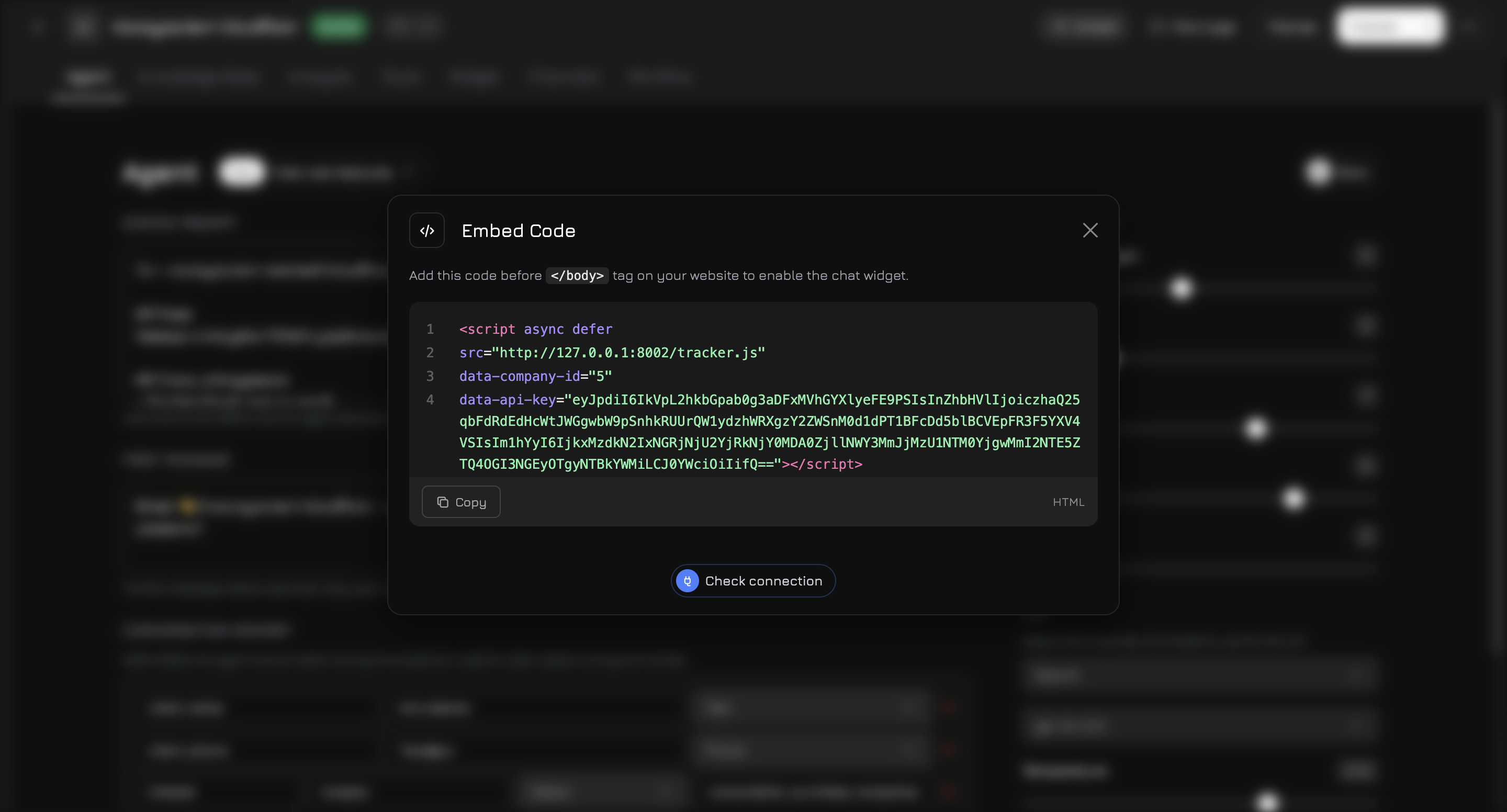
- Website widget — embed a single script for chat and voice
- Telephony — Twilio, Ringostat, or Binotel for phone calls
- Messengers — Telegram, WhatsApp Business, Instagram DM, Facebook Messenger
- CRM — Custom Webhook to send lead data to any system
- Google Workspace — Gmail, Google Docs, Sheets, Drive, Calendar, and Meet
- Ad Campaigns — Google Ads and Facebook Ads analytics
6
Launch & Monitor
Choose your operating mode — passive, active, or hybrid — and start. Monitor everything in real time: which manager closed how many deals, where leads are dropping off, which scripts convert best. AI picks up when your team can’t — nights, weekends, traffic spikes.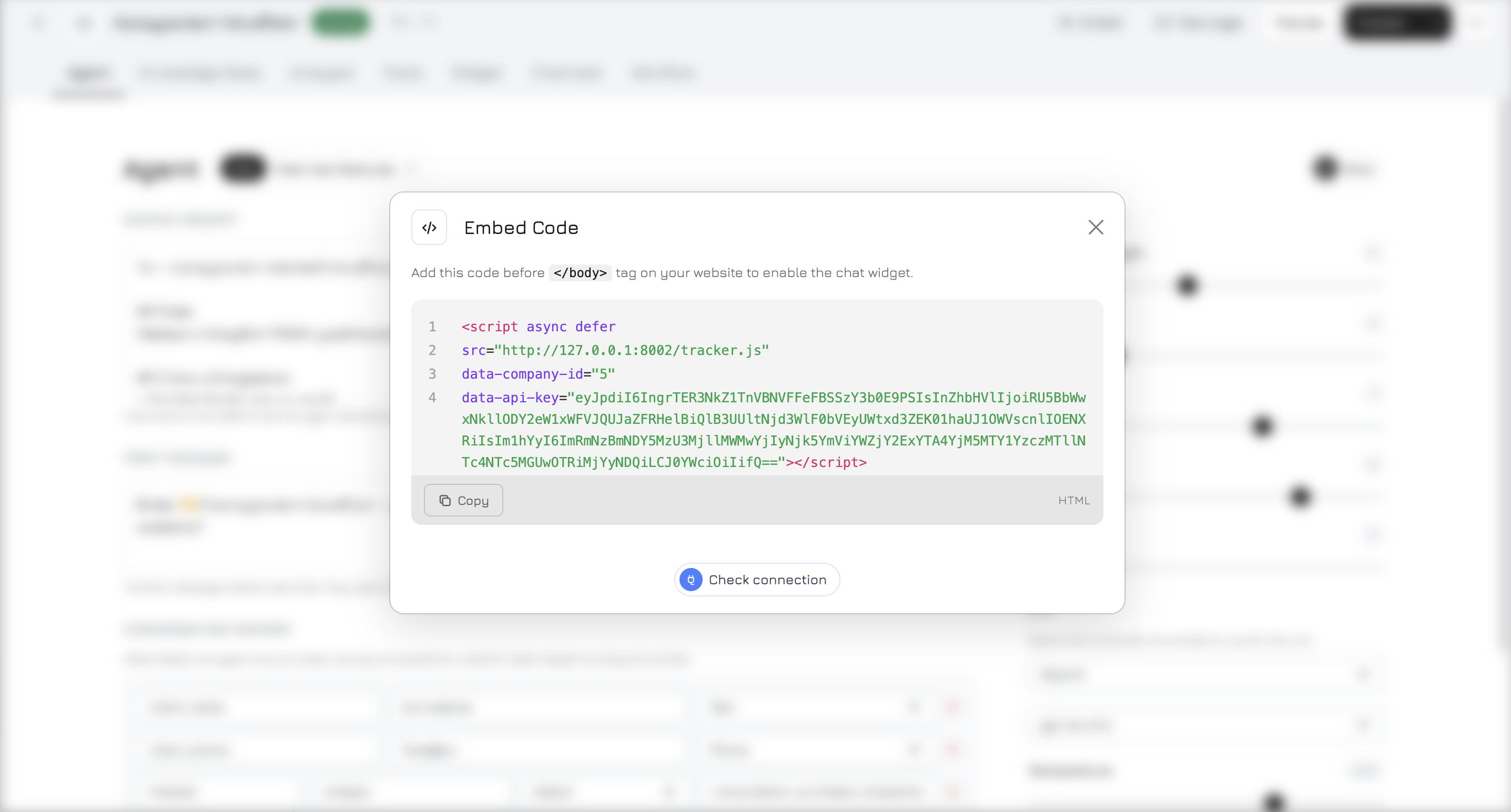
Who Is Revol For?
Sales Teams
Sales Teams
Standardize your sales process with scripts, give managers real-time AI hints, and track KPI per person. New hires get the knowledge base + AI assistance from day one — no weeks of training.
E-commerce
E-commerce
AI knows your entire product catalog — descriptions, photos, availability, pricing. It handles product questions, recommends alternatives, and qualifies leads 24/7. Your team focuses on closing.
Service Companies
Service Companies
Appointment booking, FAQ, and support requests handled around the clock. Voice-enabled agents answer phone calls. Complex cases get routed to human operators automatically.
Agencies
Agencies
Manage up to 10 client companies from one account. Each gets isolated agents, knowledge bases, scripts, and analytics. Reuse proven workflow templates across clients via the Marketplace.
Key Capabilities
- Team + AI
- AI Capabilities
- Analytics & Tracking
Next Steps
Quick Start
Set up your company and launch your first sales agent in 15 minutes
Core Concepts
Learn the key terminology — companies, agents, workflows, tracking
Widget Installation
Embed the chat widget and tracker on your website
API Reference
Integrate programmatically with the Revol API