

What Are Integrations?
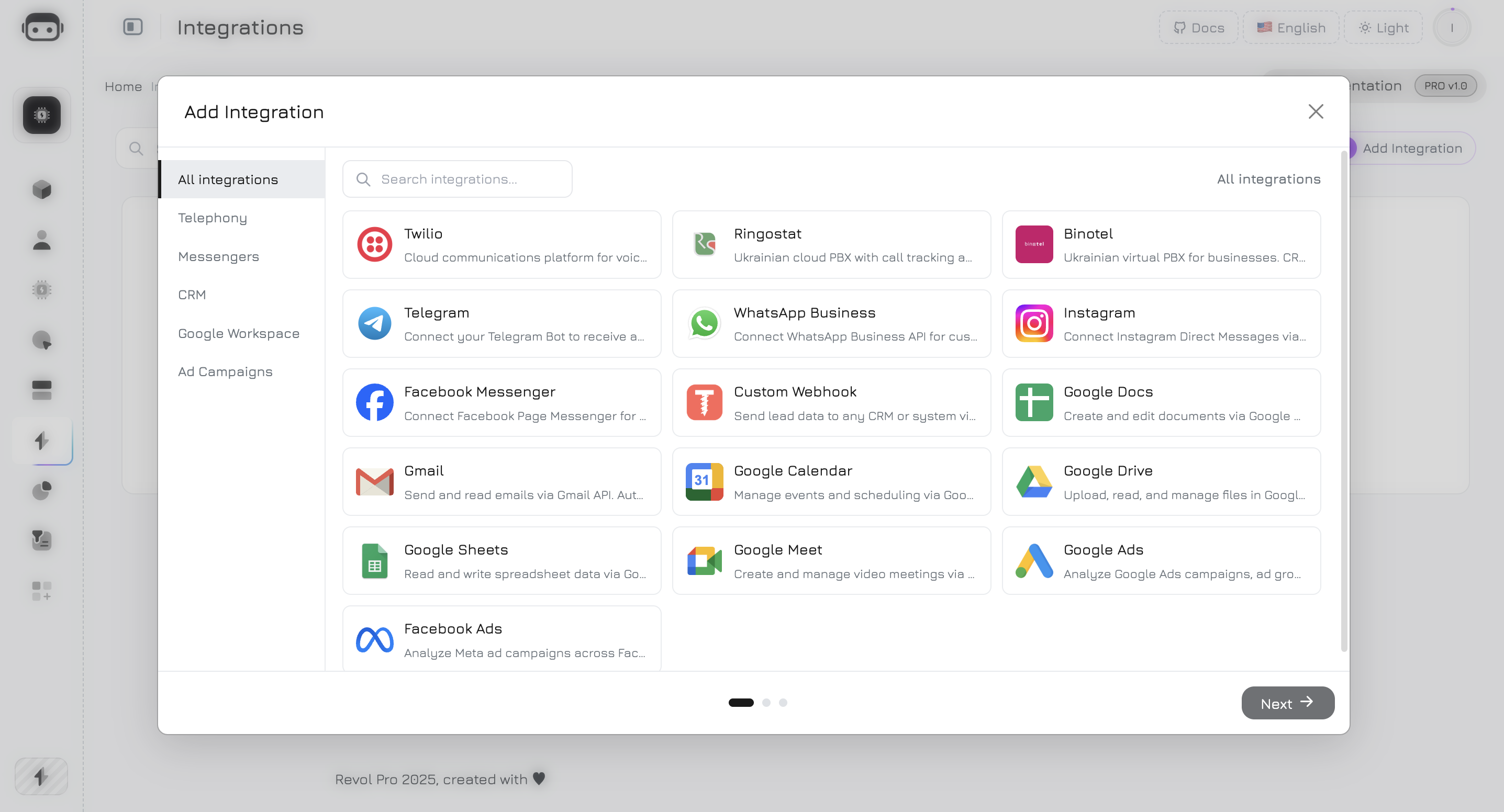
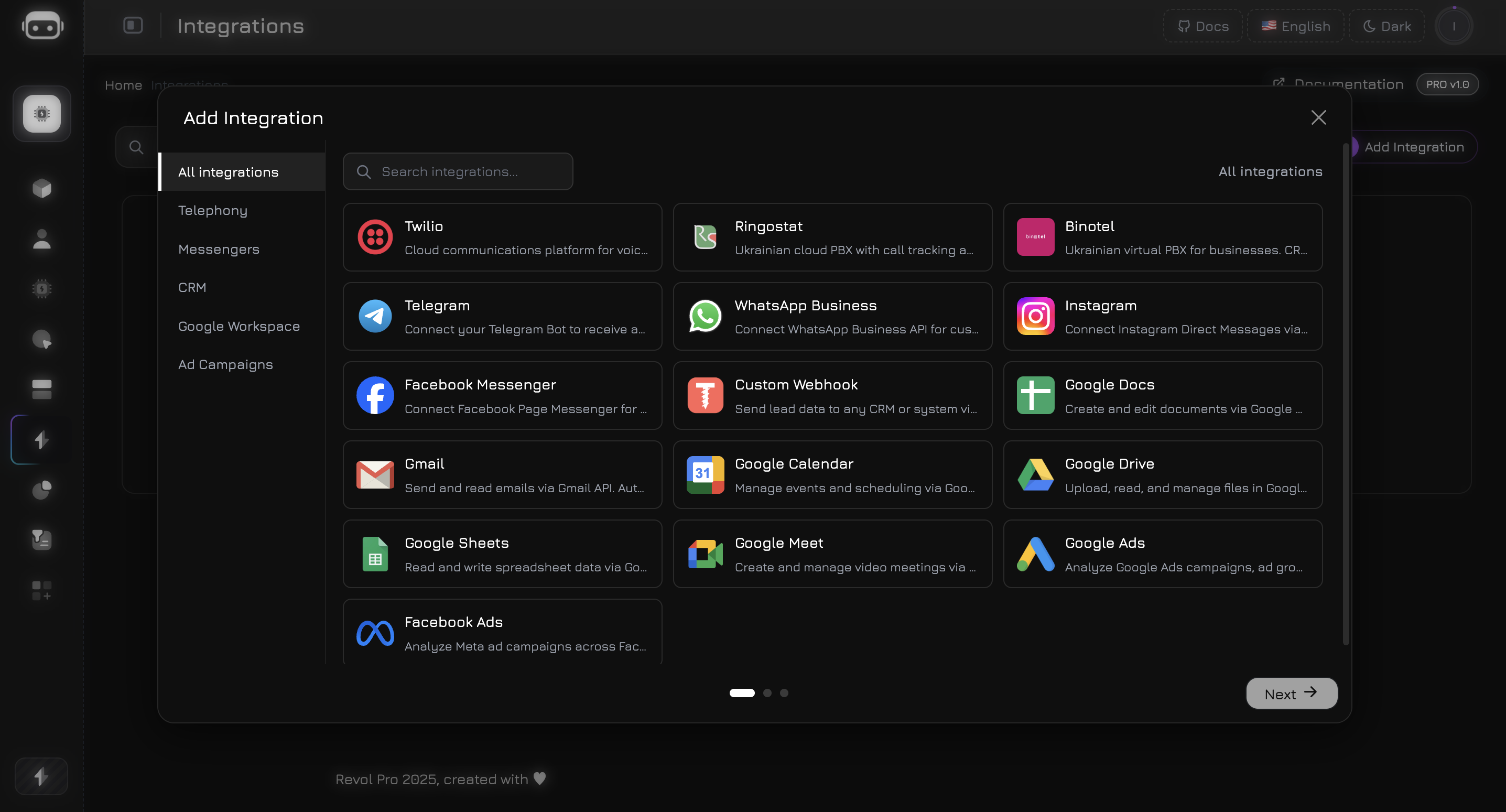
Integrations connect your AI agents to external services — so they can answer phone calls, reply in messengers, send emails, create documents, and pull analytics data. Each integration gives your agent a set of tools it can call during conversations.Available Integrations
Telephony
Twilio, Ringostat, Binotel — AI-powered phone calls and SMS
Messengers
Telegram, WhatsApp, Instagram DM, Facebook Messenger
Google Workspace
Gmail, Docs, Sheets, Drive, Calendar, Meet
Ad Campaigns
Google Ads, Facebook Ads — campaign analytics and management
Custom Webhook
Send lead data to any CRM or external system
How It Works
Every integration follows the same pattern:1
Connect
Add an integration from the Integrations page. Depending on the provider, you either enter API credentials (VoIP, Telegram) or go through OAuth (Google, Meta).
2
Verify
Revol tests your credentials against the provider’s API and fetches available resources (phone numbers, bot info, connected accounts).
3
Provision Tools
After verification, Revol automatically creates agent tools based on the integration type. For example, connecting Gmail gives your agents
send_email, read_inbox, search_emails, and other tools.4
Assign to Agent
In the agent’s Tools tab, enable the tools you need. Then add them to workflow nodes — the agent can call these tools during conversations via LLM function calling.
Authentication Methods
Channels
A channel is the connection between an integration and a specific AI agent. One integration (e.g., your Twilio account) can serve multiple agents through separate channels. Available channel types:
To set up a channel, go to the agent’s Channels tab, select the channel type, and choose which integration to use.
Webhook Security
All inbound webhook endpoints (VoIP calls, messenger messages) are protected with:- Signature validation — cryptographic verification of request authenticity per provider
- Idempotency — duplicate webhook detection to prevent double-processing
- Rate limiting — 120 requests per minute per channel
- IP allowlisting — where supported by provider (e.g., Binotel)
All Integrations
Total: 67 agent tools across 16 integrations.
Next Steps
VoIP Setup
Connect Twilio, Ringostat, or Binotel for AI phone calls
Messenger Setup
Connect Telegram, WhatsApp, Instagram, or Facebook
Google Workspace
Connect Gmail, Docs, Sheets, Drive, Calendar, Meet
Advertising
Connect Google Ads or Facebook Ads