

The flow
1
A company builds a group
A developer, a designer studio or a store collects its active deals into a partner group on the Partners page and gets one QR. Each item of the group is a deal; the terms come from that deal’s code.
2
A manager shows the QR
The customer scans it with the Revol Wallet app (a phone camera opens a preview page with the group’s discounts and a link to the app).
3
The customer receives rights
Every active item becomes a right in the customer’s wallet with the terms frozen at that moment: discount, commission rate, currency, validity, one use, one transfer.
4
The card at the till
At a partner, the customer opens the discount and shows a QR card that refreshes every 2 minutes. The manager scans it with the order scanner — the discount is applied exactly like a promo code, and the commission goes to the company that issued the group.
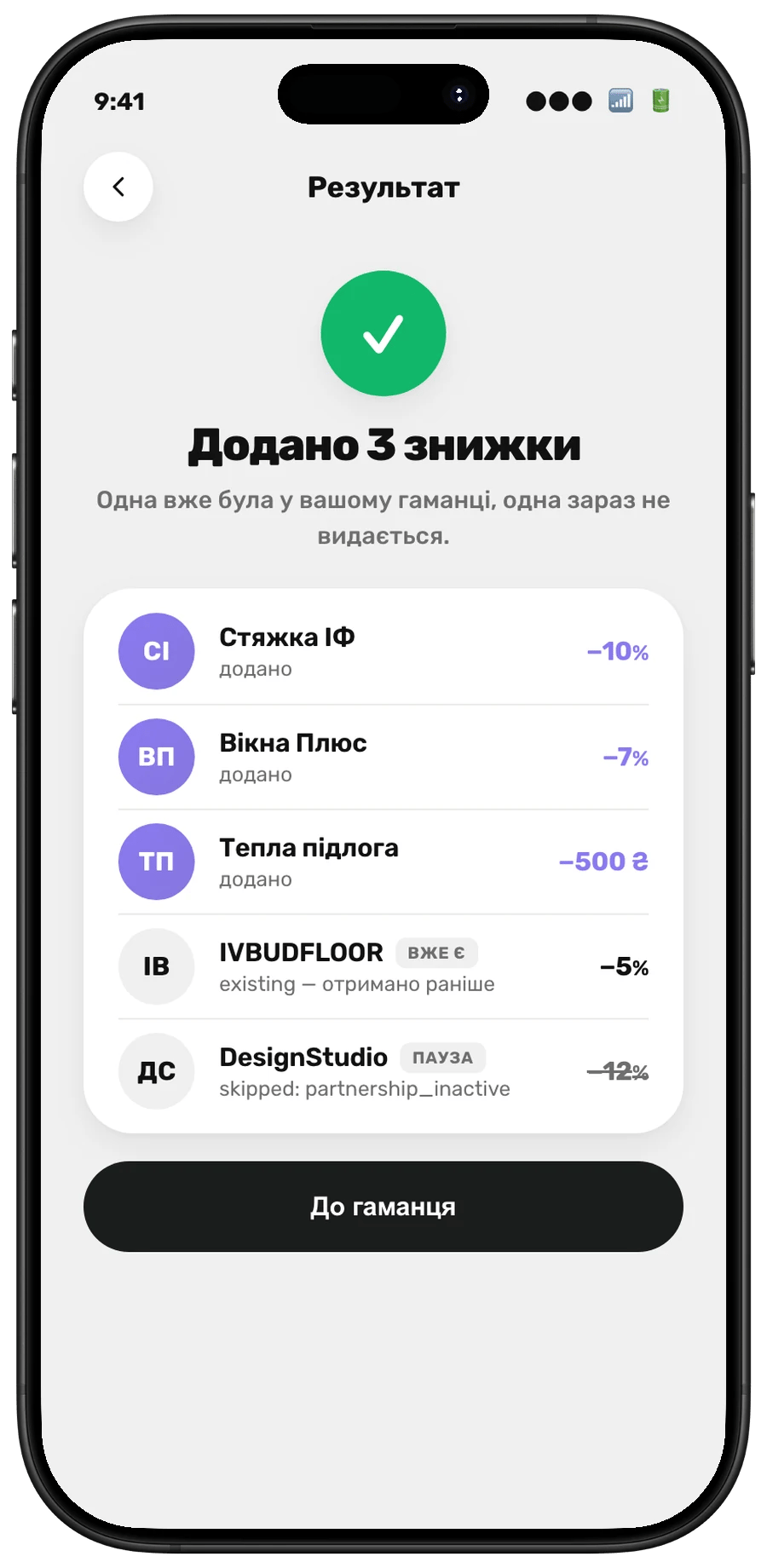
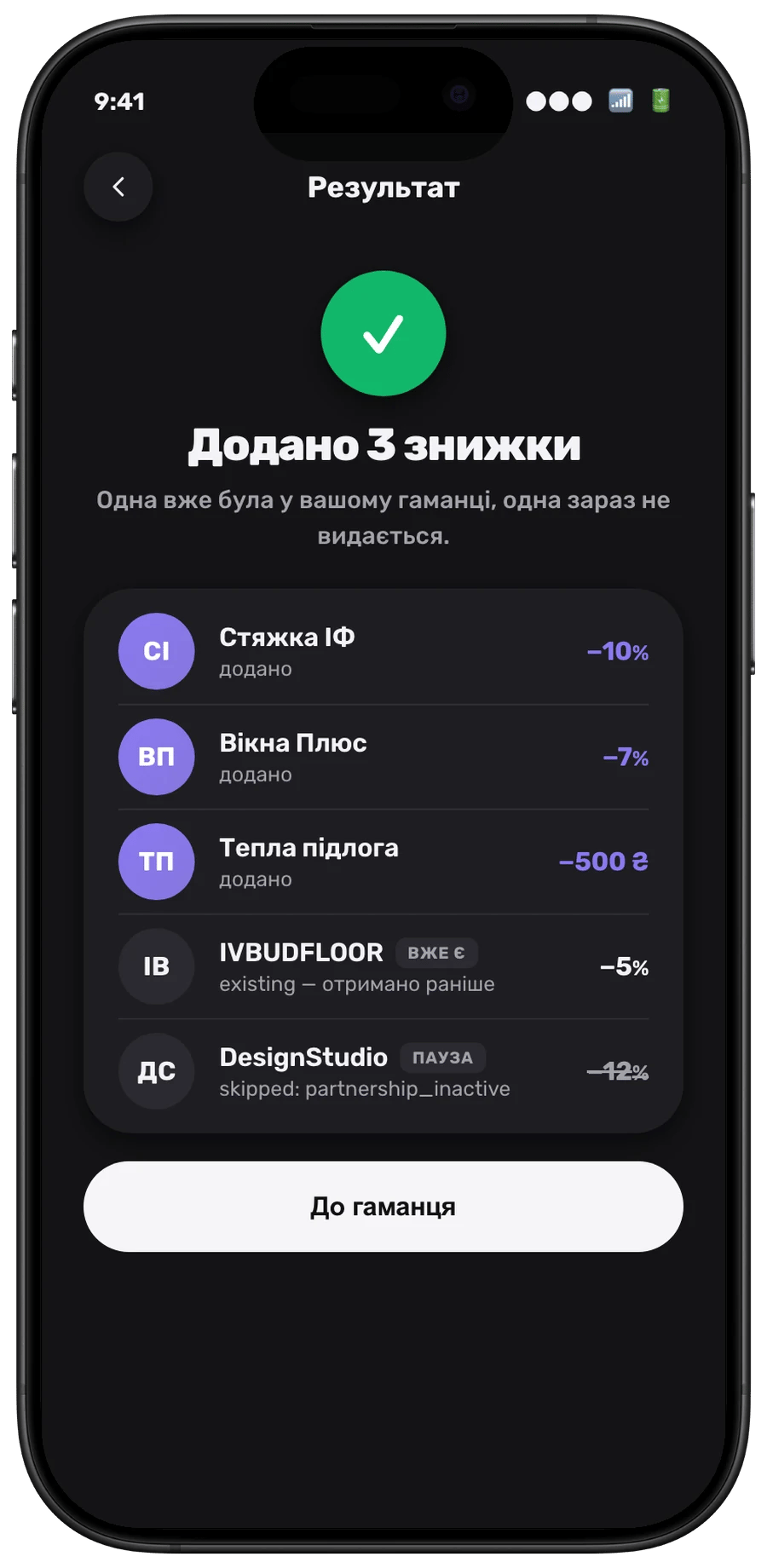
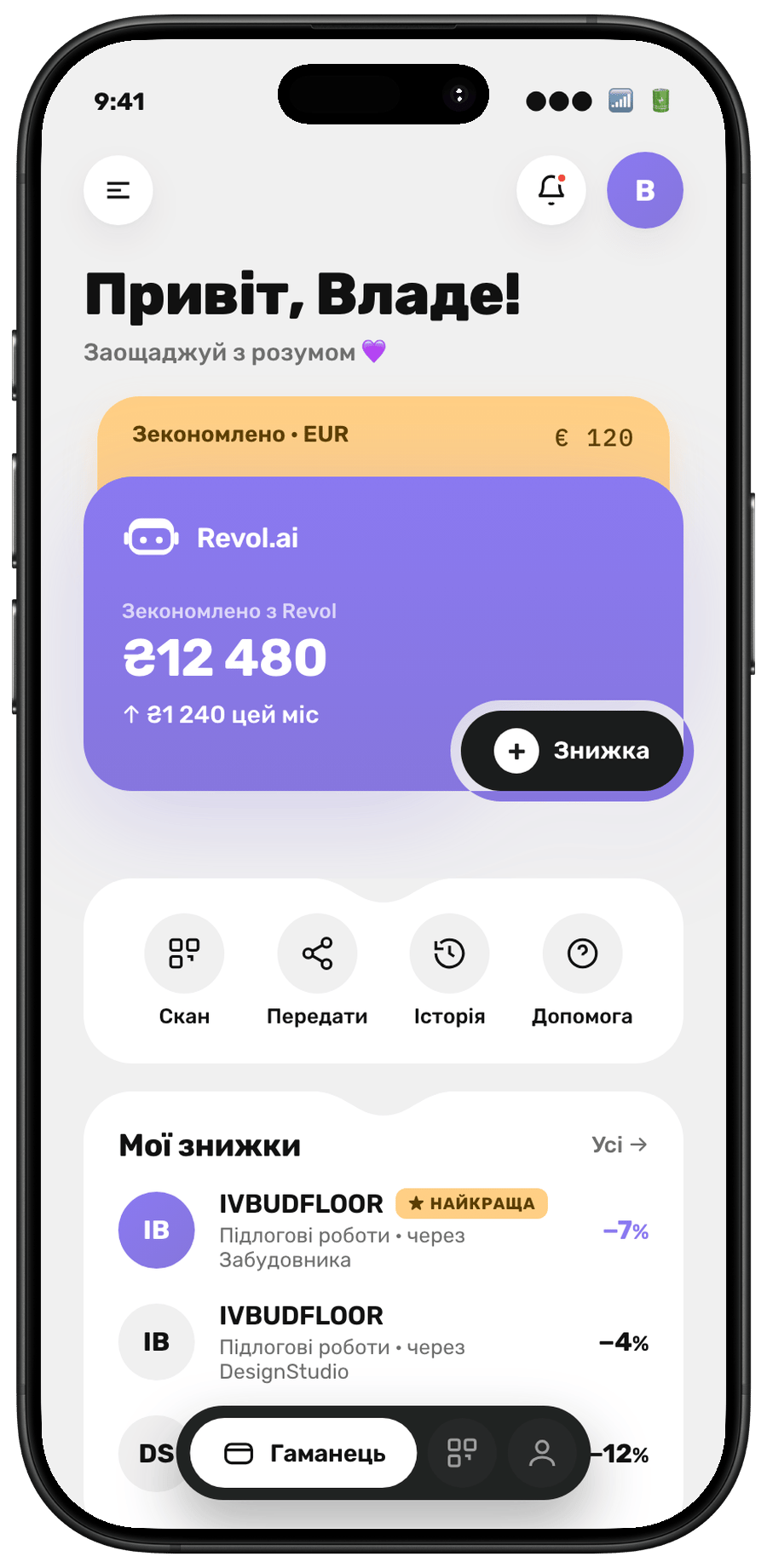
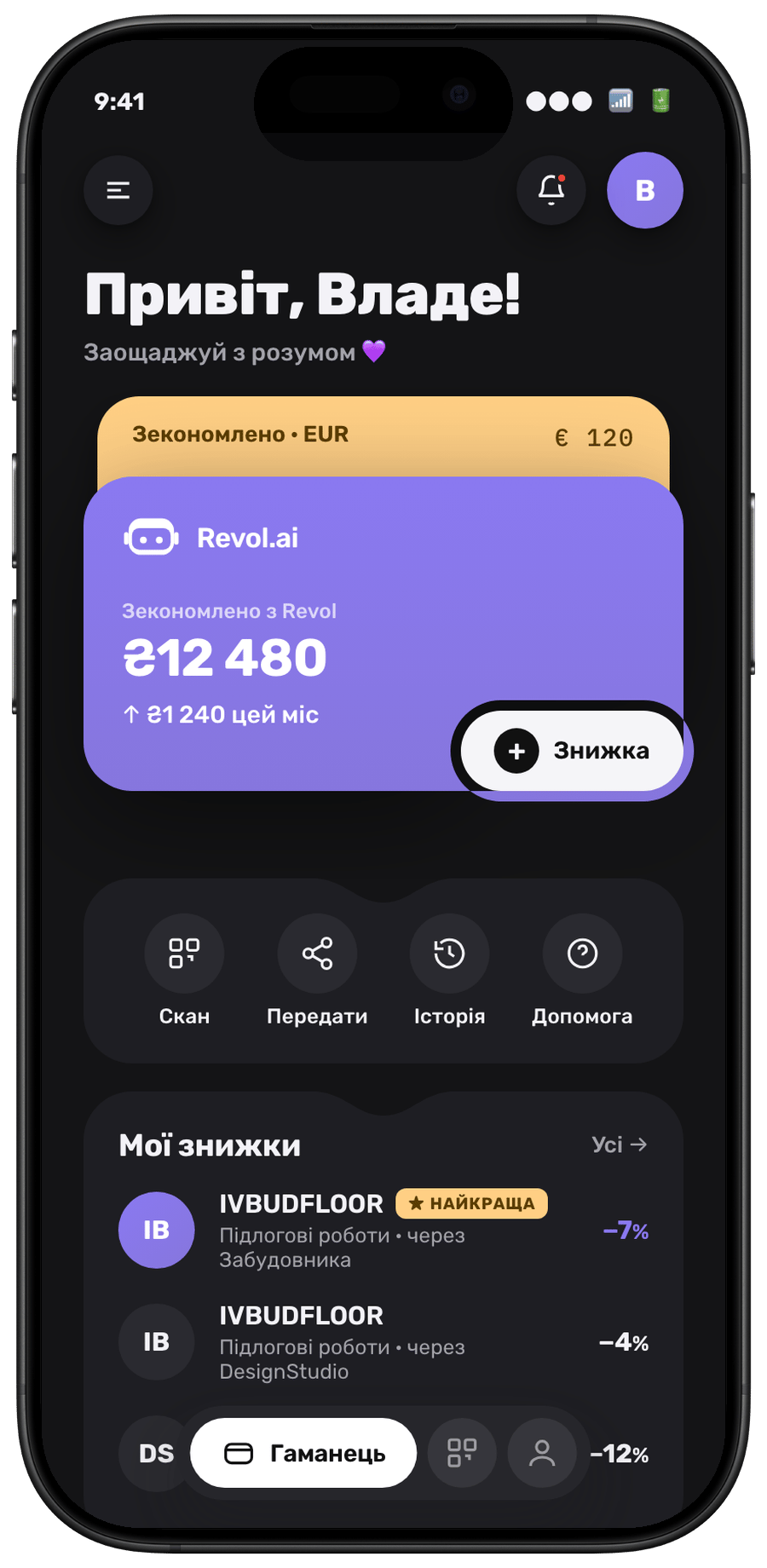
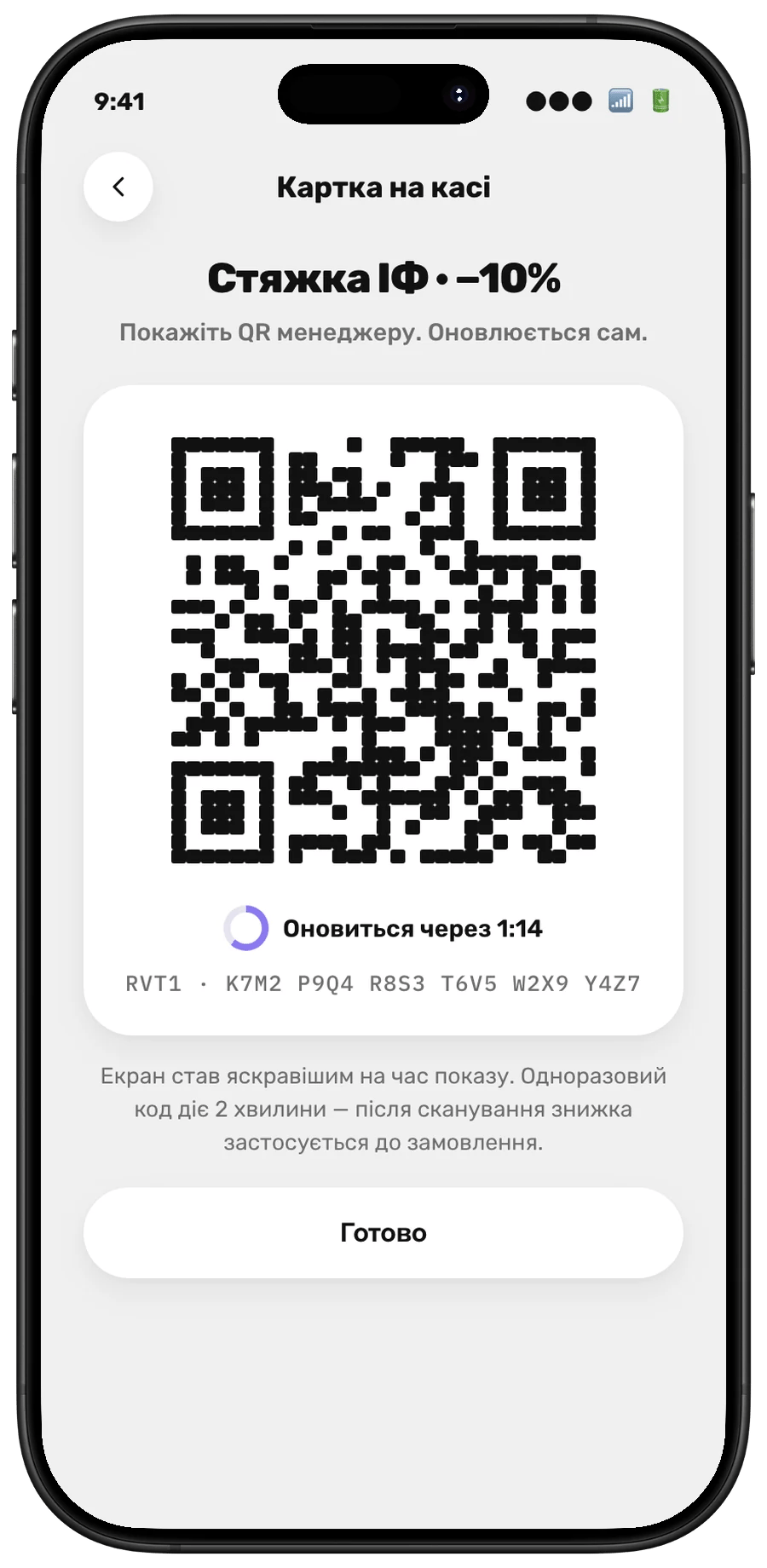
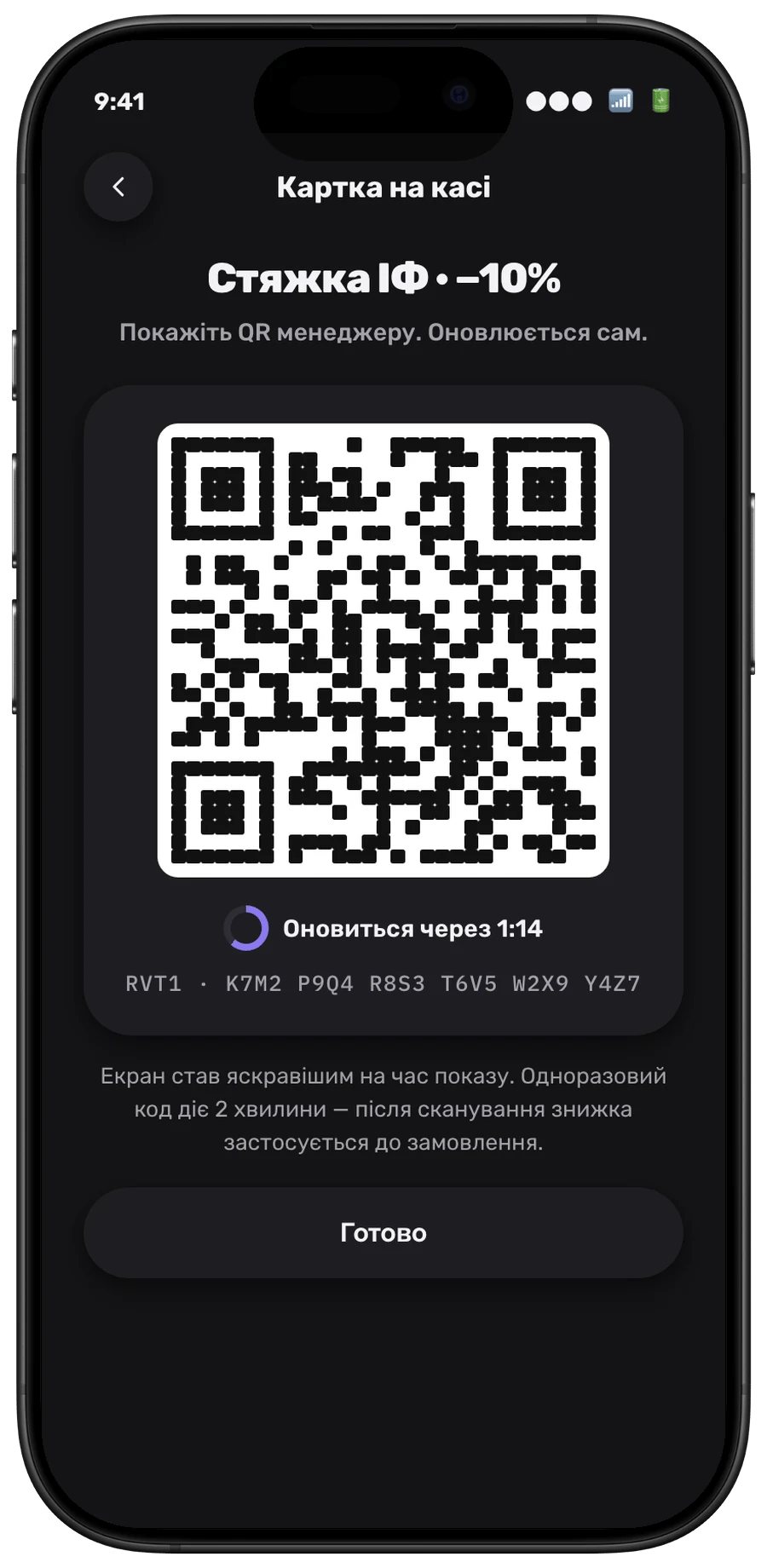
Group preview, wallet and the card at the till in Revol Wallet
Rights rules
A right is not cashback: it is a list of discounts. The customer never sees the commission rate — that is a matter between companies.
After payment
Once an order with a right has been paid, the use stays used: cancelling, un-paying or deleting the order later does not revive the right. Cancelling an unpaid order returns the use if the right is still valid.When a deal changes
- Pause stops issuing new rights; issued rights keep working.
- Rate change with code re-issue does not shorten issued rights.
- End of the deal starts the grace period (30 days by default): rights still work and commissions still accrue to the source; afterwards the rights lapse.
- Emergency revocation — the host company’s owner revokes all rights of a deal (or one right) immediately, with a reason the customer sees. Orders where the right was already applied keep their discount.